Showing posts with label book commercials. Show all posts

Tuesday, October 9, 2018

Hey, Hey, Hay! We're starting Book Commercial Today!

It's that time of year! I'm very excited to start our second grade book commercial project again this year! One thing we want to do is connect our students with an actual published children's book author.  This step is so very important in the process.  It helps our students see that authors are real people and how they go about writing their books.

A few weeks ago, I searched Nepris.com for a children's book author who I thought could connect well to our second graders. I was very happy to find Christy Mihaly who seemed like just the right fit for our room. Mrs. Mihaly recently published two books, one of which is called Hey, Hey, Hay!  I sent her a message through Nepris and she agreed to be our author this year. 

Today was our first of hopefully a few chats where we talked about her books, her writing process, and how books are promoted.  Mrs. Zureick and I were so pleased to see that she related beautifully to the students, talked through the entire writing and publishing process, and even talked about how she needs to promote her books.  Wow!  I was surprised how much work goes into making a book successful. 

As she said to us, "My book isn't doing its job if no one is reading it." In other words, the book promotion is just as important as the writing process.  What an amazing segue into our commercial process.  Soon we will be working hard to promote good books in our school library and (hopefully) in local book stores. 


As an extra bonus, Mrs. Mihaly was even nice enough to take her laptop into her Vermont backyard to show us the fall colors in New England -- a welcome change to our unseasonably warm October days here in Kentucky.

Thank you, Mrs. Mihaly and Nepris for making today happen!

Thursday, January 18, 2018

Three Months, a Bunch of 7 Year Olds, and 99 Book Commercials

Without a doubt, the highlight of the fall semester of this year for me can be summed up with this video.


Yealey Elementary Book Commercials from Steve Oldfield on Vimeo.

Mrs. Zureick and I worked together to help our second graders create book videos to promote reading with younger children.  This is a project we did on a smaller scale last year, but we ramped it up during a Project Based Learning seminar this summer with the Buck Institute for Education.

I'm really excited about this project, the time I spent with the second graders, working with the second grade team, and the final product.  This blog post will serve as a means to hit the highlights, and I'm fairly certain it will be a long one.

A solid PBL unit will have a strong driving question to guide the process. The question we posed to the students at the beginning was...

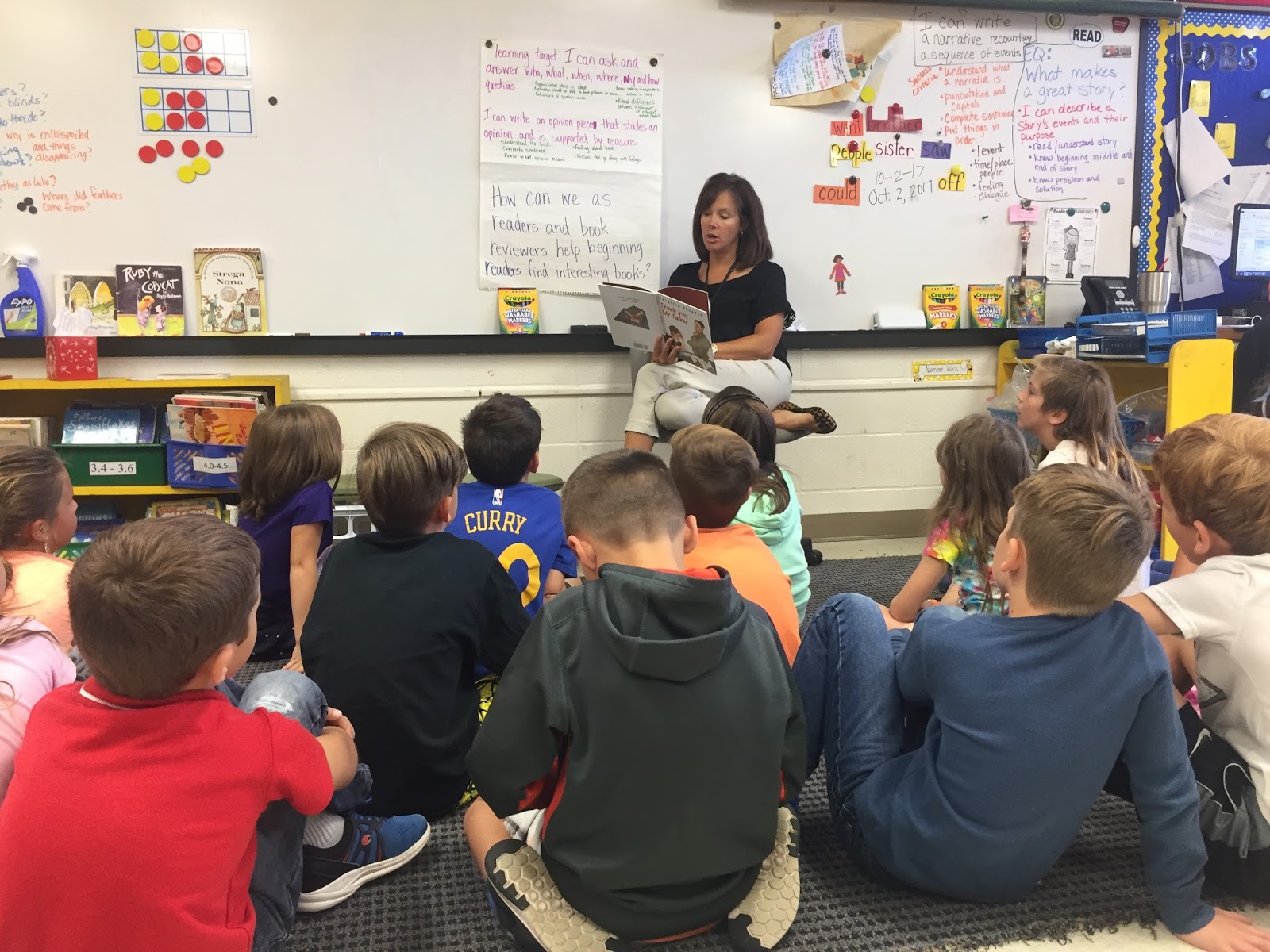
How can we as readers and book reviewers help beginning readers pick interesting books? 
I think this was a hard concept for the students to think about when we first talked to them.  We got a lot of answers like, "Well, I just tell them what I thought of the book."  I remember how we would explain to them that we couldn't just have them sit in the library and explain each book.  "Oh, well they can just call us on the phone and we'll tell them." Finally, we guided them to the idea of creating book commercials that would be available through the Internet and QR codes inside book covers.  They loved the idea!

We spent a lot of time talking about success criteria for good commercials, watching and critiquing other videos, and modeling the process ourselves.  Finally, we got to survey kindergartners and first graders in our school about books they liked before our local public library brought us a massive stack of books to work with.


As part of our project, we were able to have a video chat with an author who told us about her books, the writing process and how to create a good book promotion.  Tricia Stewart Shiu and Nepris were a huge help in our process of growing from readers to book reviewers.


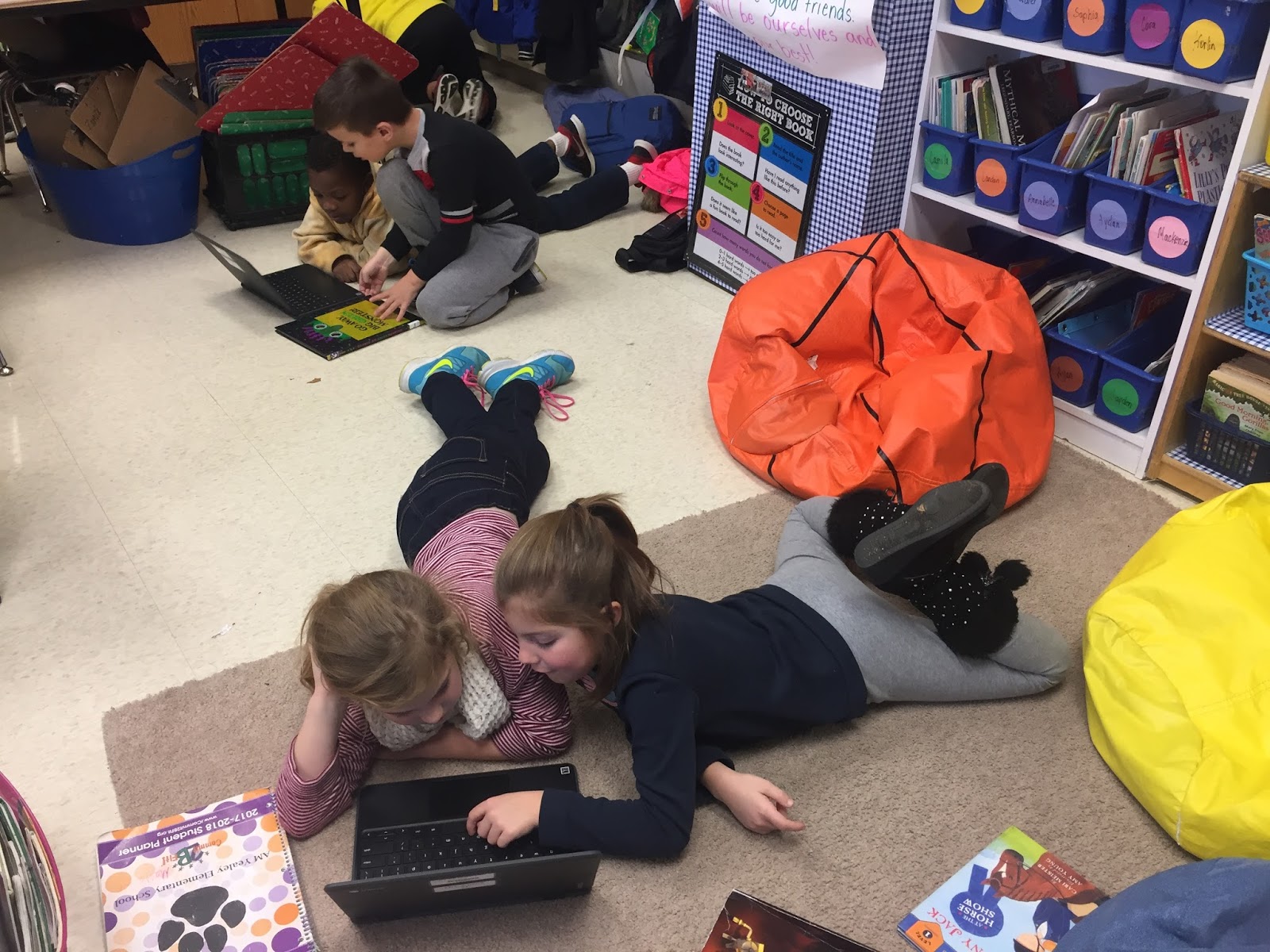
If you've ever written anything you know the writing process can be lengthy.  If you've ever watched second graders handwrite anything, you know it takes forever.  I watched as students would write up a paragraph, get feedback from a peer, cross it all out and rewrite the whole thing.  It was at that point I got a crazy idea.  Let's teach second graders how to use Google Docs.  I don't know when your school starts working with cloud computing, but these kids just got their fingers on Chromebooks a few weeks earlier.  This was huge! I think it took two days to get them on Docs and type up their commercials, but it was a massive step forward in our process.  We got to teach the editing process without waiting half a class period between drafts.


Finally, the students were ready to record their videos.  We use WeVideo in our school for video creation and editing.  I love how it's quick and easy to create videos in the cloud and sharing is super easy. One goal we had for the video aspect of this project was not to just hold their hands as they created videos but to train them to be the teachers.


Once videos were completed, I did a bit of tech work in the background.  I downloaded the videos to my hard drive then immediately uploaded them back to our Vimeo page.  Then we created QR Codes for each commercial.  Finally, I sent everything to our public library for them to process on their end.

As the first round of 24 videos were being completed, we started up plans to continue the project through the rest of the second grade in our school.  Since we trained these students to be the teachers, we were able to sit back and watch them help their friends. It was at that point that Children Inc. found out about our service learning project and wanted to create the video you saw at the top of the page.


The end result was astounding! Ninety-nine book commercials were put on display at the library!  We hosted an open house a week ago for students and families to come and see the videos.  It was such a great culminating event to celebrate all this hard work! I wish I could tell you all the stories of self-confidence found, leadership skills honed, and love of reading kindled.  I am so glad I got to take part in this amazing project!


Now, for a reward for reading this far, I'm going to share with you some of my favorite commercials.


HI FLY GUY from Donna Logan on Vimeo.


Farmyard Beat from Donna Logan on Vimeo.


BAD KITTY DOES NOT LIKE THE SNOW from Donna Logan on Vimeo.


Spider Man V.S. Doc Ock from Donna Logan on Vimeo.


Monday, November 27, 2017

How We Talked to an Author 2000 Miles Away

I am currently working with our second grade to create book commercials that will be posted in our local public library as well as our school library.  I worked along with one of our teachers to do this project last year, but we wanted to make the project bigger and better for this year.  I'll get to the whole project in a future post, but today I want to focus on our author chats.

Over the summer, I contacted Nepris about our project.  If you've never heard of Nepris, you should hop on over there right now and create an account.  They will connect you and your class to a professional who can talk with your class about whatever topic you are discussing.  Think of what your next unit will be about.  Would you like to talk to a person who works in that field but don't know the perfect person to chat with? Don't worry. Nepris will set up a video chat with a professional so your kids can learn more from an expert.

Nepris connected us with Tricia Stewart Shiu who is an award-winning author, book reviewer, and motivational speaker, living in the Los Angeles area.  I had never heard of Ms Stewart Shiu before but I can honestly say she has quickly become a favorite in our school.  I have now been a part of two sessions with her and have a third scheduled in a couple weeks.  

Tricia has everything you could possibly want in a guest speaker for your class. She knows her profession well.  She understands the writing process and how to promote books and is able to communicate these skills to our students.  Not only is she knowledgeable, but she is able to bring that knowledge to the students' level.  Some people may accidentally talk over the heads of primary-aged students, but Ms Stewart Shiu doesn't do that.  She knows her audience well.  Finally, she is enthusiastic about her work and genuinely loves to talk to the kids about it. As we know from working with kids, enthusiasm is contagious.  As she displays her excitement about writing, the kids start to pick on that and get more excited for their projects too.  

I'm so glad that I was able to connect with Nepris and with Tricia Stewart Shiu.  I encourage you to find your professional expert today!


Thursday, February 9, 2017

2nd Grade Book Commercials

Inspired by this great article, I set out with Mrs. Zureick in second grade to make book commercial videos.  We hit some hiccups along the way, but I'm really happy with the final product and how we grew through the process.

Step One:  Selecting a video production tool.
In the article, Mr. Buetow's class used Adobe Spark for their videos. I immediately fell in love with Adobe Spark for its look and ease of use and wanted to run with it.  Sadly, Adobe has a 13 and over policy for its users.  We discussed the possibility of creating a generic school account that students could access. Sadly, that plan was not approved at the district office, so we had to look in other directions.

That search didn't take long at all. With three WeVideo projects under my belt, I felt comfortable using this platform.  While I would have liked the animated look from Adobe Spark, WeVideo is an excellent and easy program to use for 30 second video spots.  (Feel free to click here, here, and here to read about our previous projects.)

Step Two: Read the books and write the scripts.
I didn't help with this part of the project, but Mrs. Zureick's class spent a lot of time in the school library reading books that may interest younger students. Then, each student wrote up commercials for two books. Using markers, they created their own cue cards to read on camera.

Step Three: Getting pictures.
This turned out to be a minor hurdle to jump over. When I started working with the first two kids, I realized they needed to take pictures of illustrations in the books.  I spent a while trying to teach myself how to take a picture using a Chromebook webcam and get that saved into WeVideo on the fly (while wondering how I would teach it to 30 2nd graders) when it hit me that we have a small stack of iPads assigned to each grade level.

In the end, we took pictures with iPads, plugged the iPads into Chromebooks, then loaded them directly into WeVideo.  That added a couple hours to the project, but it worked just fine.


Step Four: Recording and editing the videos. 
When I started working with students on this project, we were in the library.  I loved the bookshelves in the background, so we made sure that all our "production studios" had a set of bookshelves we could use.


WeVideo is literally so easy a second grader can do it. As you'll see in the example videos at the end, we had three elements: a video of students talking, three pictures from the book, and background music.  Once we got cooking we could do multiple videos at one time and crank one out in less than 15 minutes.

As you can see in the picture, we tried to work in small teams.  I never felt that I had to have control of the Chromebook or the cue cards. I was quite fine with kids helping kids. It worked great! When I was being observed by my principal I made sure one of the best helpers was there working alongside me.  That was a positive part of the observation -- I had a protege working with me.

Step Five: Get rid of last names.
Our school policy is to not post student last names online.  Our librarian made the realization that WeVideo automatically displays the video creator's first and last name.  We had to scramble together notes home asking parents for permission to use the videos.  Just before we started deleting videos, WeVideo came through and showed us how to change the names. Whew!

Step Six: Publicize the videos.
The final step was to make these videos available to other students.  We are doing this two ways.  One, the links to all the videos will go into our school-wide computerized library catalog. So, when a student goes on the webpage for that book, she can view a video commercial about that book.  Two, QR Codes will be printed on labels and affixed to the inside cover of these books.  This will give students instant access to our book commercials.


As I wrap up, I'd like to thank a few people:
  • Jesse Buetow not only wrote the article that gave this project life but was willing to answer questions for me from the outset. 
  • Debbie Schroeder is our school librarian.  She's been on top of this project from the moment I sent the email out to the school. She's excited to get more videos created by more students. 
  • Tina Zureick is not afraid to do something new and has invited me into her room on more than one occasion.
  • The guys at WeVideo bailed me out of a jam. They were willing to help me with questions -- again -- that I could have probably answered myself if I didn't go into "freak out" mode. 
Here are a couple of videos for you to enjoy.


Comments System

Disqus Shortname